Best AI Vocal Remover AI Tools
Discover the top-rated AI Vocal Remover AI tools to boost your productivity. Compare features, pricing, and reviews to find the perfect fit.
Voicemaker
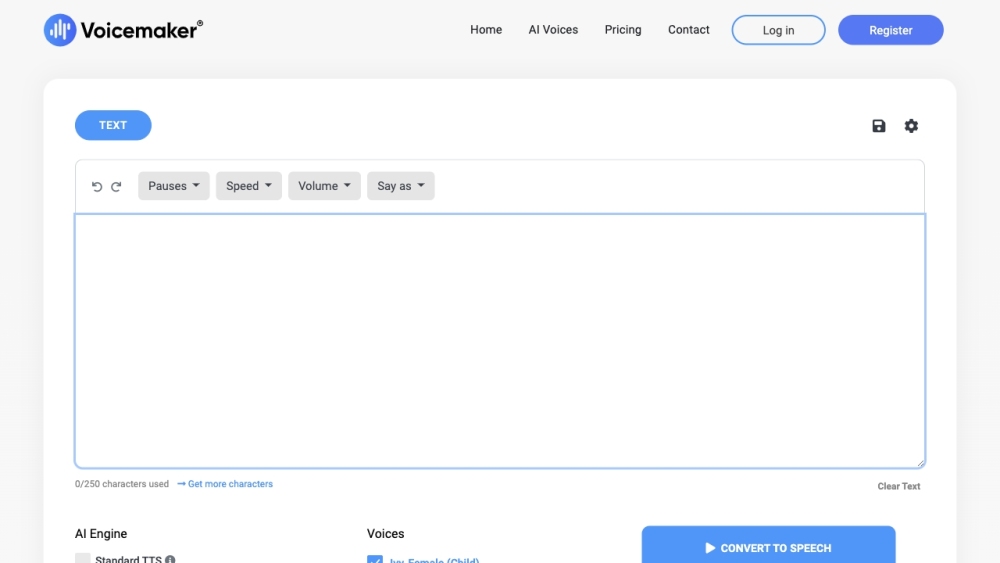
AI Audio EditingVoicemaker: Voicemaker is an AI-based online Text to Speech converter website that helps content providers, video creators, podcasters, and writers get automated human-like voiceovers. It offers features such as voice effects, pauses, speed, pitch, and volume settings, as well as industry-leading features and a developer API. It has 1.1 million users in over 120 countries and has converted over 100 million characters into voiceovers so far.
AudioShake
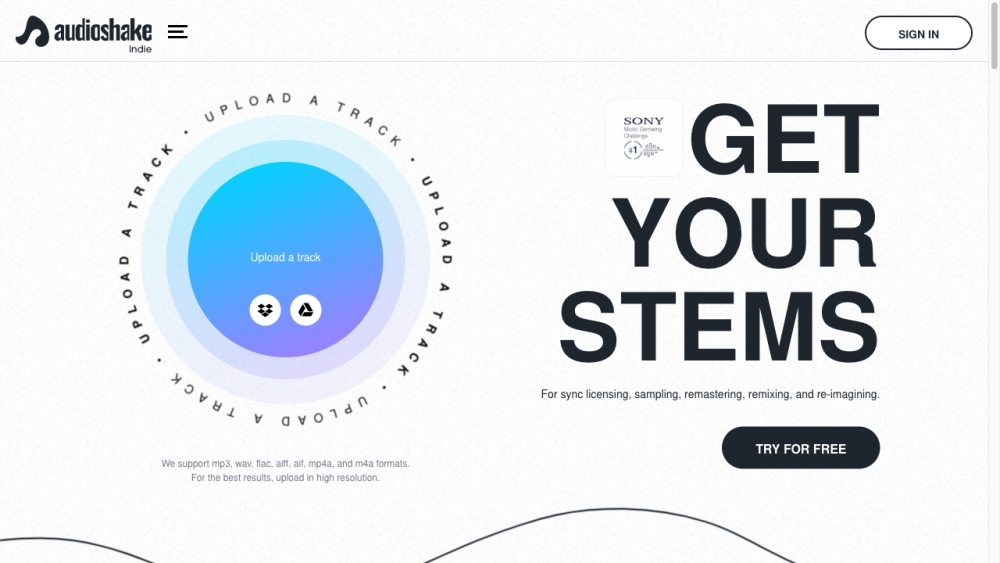
AI APIAudioShake: AudioShake is a technology platform that separates audio tracks into stems (vocals, bass, drums, and other instruments) for sync licensing, sampling, remastering, remixing, and re-imagining. It caters to indie artists, labels, producers, and large enterprise customers, offering services like AudioShake Indie and AudioShake Live. The platform supports various audio formats, including MP3, WAV, FLAC, AIFF, M4A, and MP4, and is used by major labels, publishers, distributors, music supervisors, and sync licensing companies.
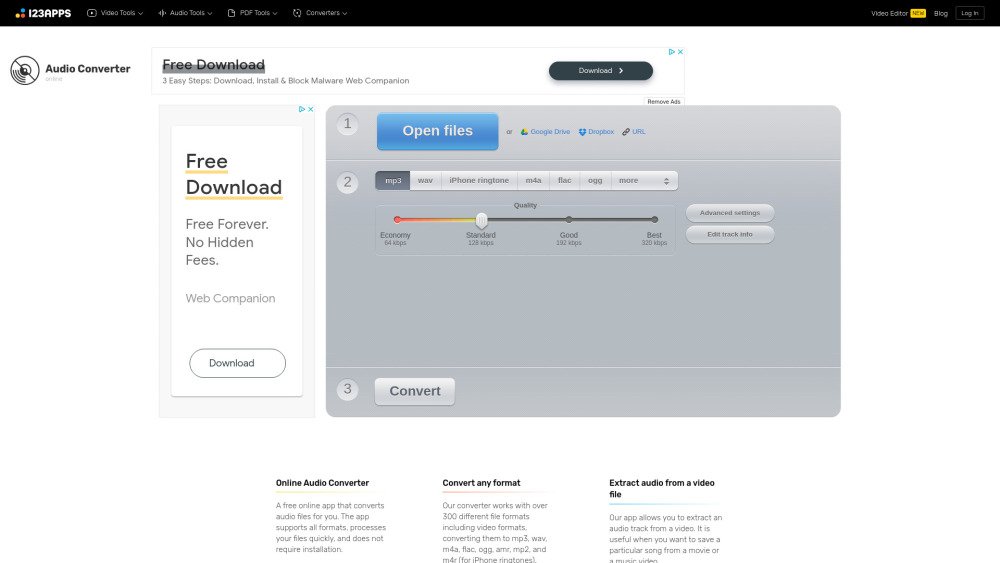
Online Audio Converter
AI Audio EditingOnline Audio Converter: Online Audio Converter is a free online app that converts audio files for you. The app supports all formats, processes your files quickly, and does not require installation. It works with over 300 different file formats including video formats, converting them to mp3, wav, m4a, flac, ogg, amr, mp2, and m4r (for iPhone ringtones). You can extract an audio track from a video file. You can configure the quality, bitrate, frequency, and number of channels, apply reverse playback or fade in, or even remove a voice from the audio track. The app can convert multiple files simultaneously in a batch, saving them in a ZIP archive to speed up downloading. You can change the track’s name, artist, album, year and genre. Tags are supported for mp3, ogg, flac, wav. The app is easy to use: upload the original file, choose your desired format and quality, and download the output file to your computer.